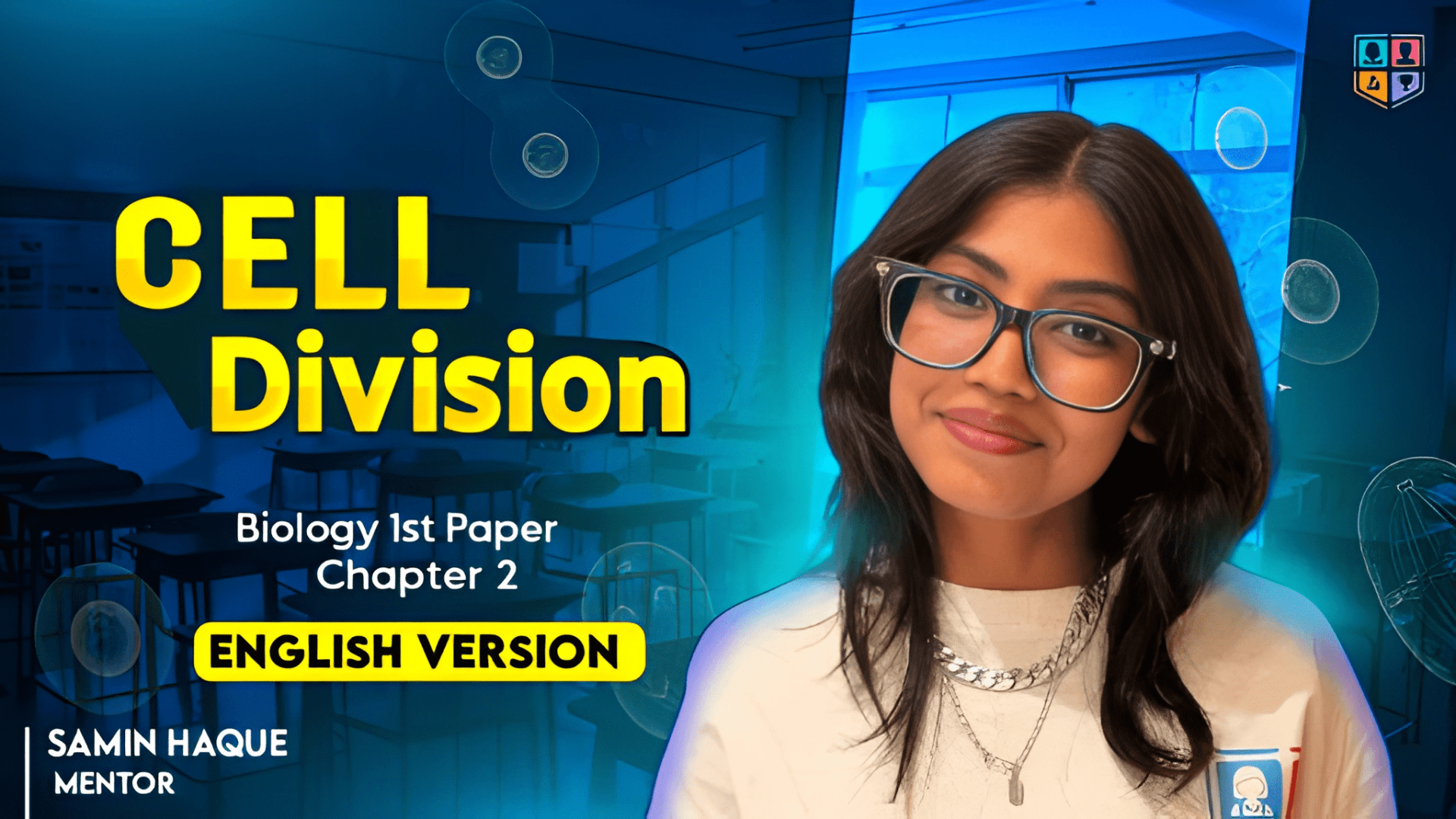
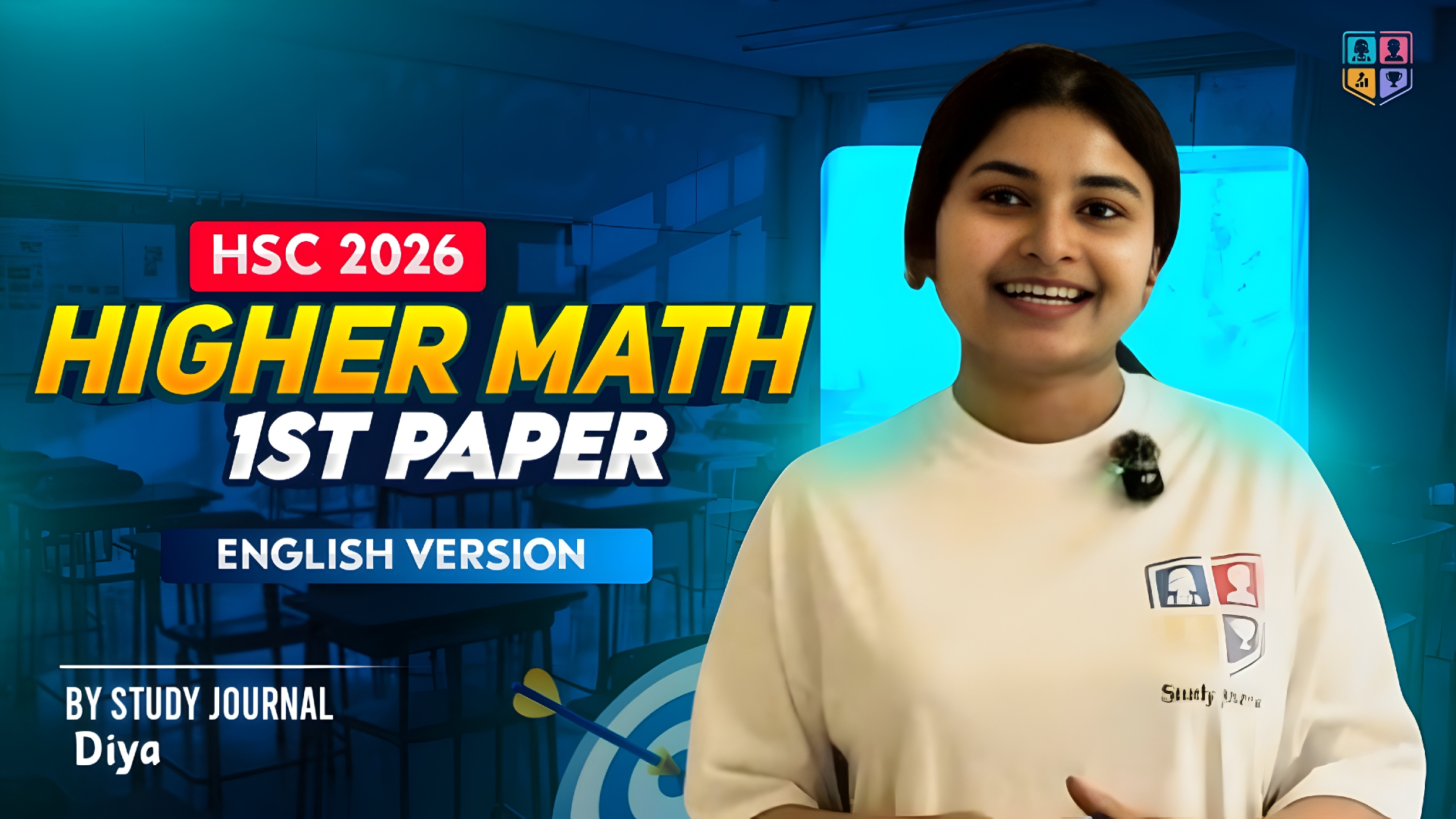
Two years of designing thumbnails for Biology, Physics, Accounting and admission-prep channels taught me that study content wins on clarity, not spectacle. These are the rules I apply to every thumbnail I deliver.
01
One idea per thumbnail
An education thumbnail competes with entertainment content in the same feed. Pick the single takeaway of the lesson — a chapter name, a formula, an exam year — and let everything else support it. Two competing messages read as none.
02
Size text for a phone, not a monitor
Most study traffic is mobile, where the thumbnail is roughly 40mm wide. I set the main label at a size that stays legible when the artwork is scaled to 20% and delete any word that stops working at that size. Three to five words is usually the ceiling.
03
Colour-code by subject
Channels that publish across Biology, Physics and Math benefit from a fixed hue per subject. Returning students recognise the colour before they read the text, and the series looks like a shelf rather than a pile.
04
Pair a face with the concept
A cut-out expression on one side and a clean diagram, chart or equation on the other gives the eye a human anchor plus proof the video is substantive. Rim lighting separates the subject from the background so nothing muddies at small sizes.
05
Signal the stakes, honestly
Admission prep and exam content performs when the thumbnail names the real pressure — the exam, the chapter, the deadline. Invented claims cost trust and hurt retention, which YouTube measures more than the click.
06
Leave the bottom-right corner clear
The duration badge sits there. Any text or face placed under it gets clipped in every feed, on every device.